ASSEMBLE01
Build for multiple CPUs.
Build binaries and debug maps for SNES and 6502-family targets. Use the CLI or compiled JavaScript packages with TypeScript declarations.
SEIYOUR SOURCE78MACHINE CODE
Uttori ASM
is an extendable assembler, disassembler, ROM toolkit, and VS Code extension
Currently supports the 65816 (SPC700 & SuperFX) / SFC / SNES and NES / 6502-family CPUs.
CLI · JavaScript API · VS Code extension
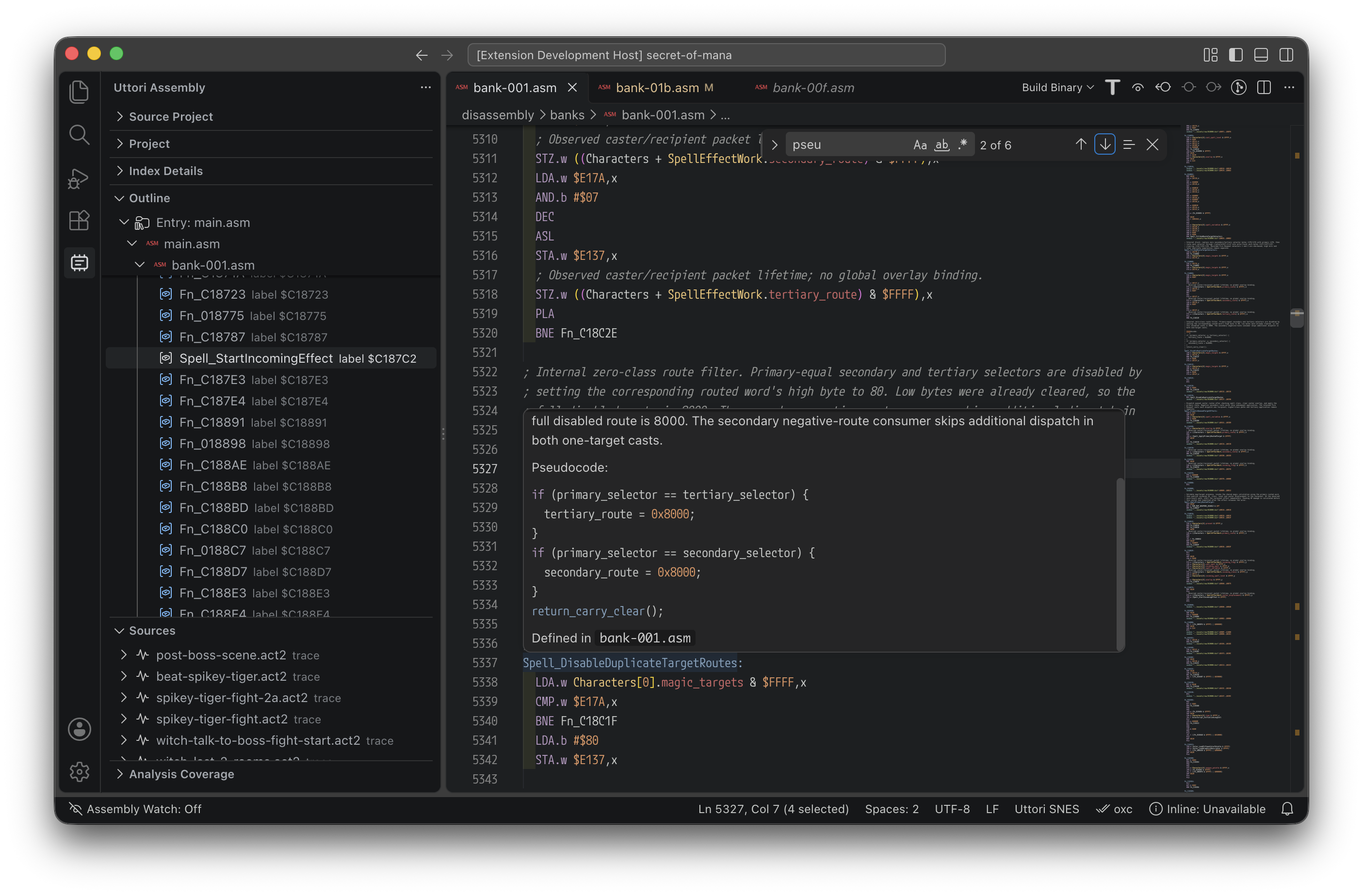
ASSEMBLY, ANALYSIS & VERIFICATION
Build binaries, preserve analysis evidence, and verify regenerated source.
Build binaries and debug maps for SNES and 6502-family targets. Use the CLI or compiled JavaScript packages with TypeScript declarations.
Inspect decoded instructions and imported evidence. Store names and annotations in SQLite so they persist when source is regenerated.
Export source from your analysis, rebuild it, and compare it with the original ROM. Unknown bytes remain raw assets.
VS CODE EXTENSION
Write assembly with completions, diagnostics, hover information, and semantic highlighting. Build projects and inspect ROM analysis without leaving the editor.
Live debugging needs a separately installed, matching ares runtime.
A CLOSER LOOK
Explore the tools that bring your ROM research together.

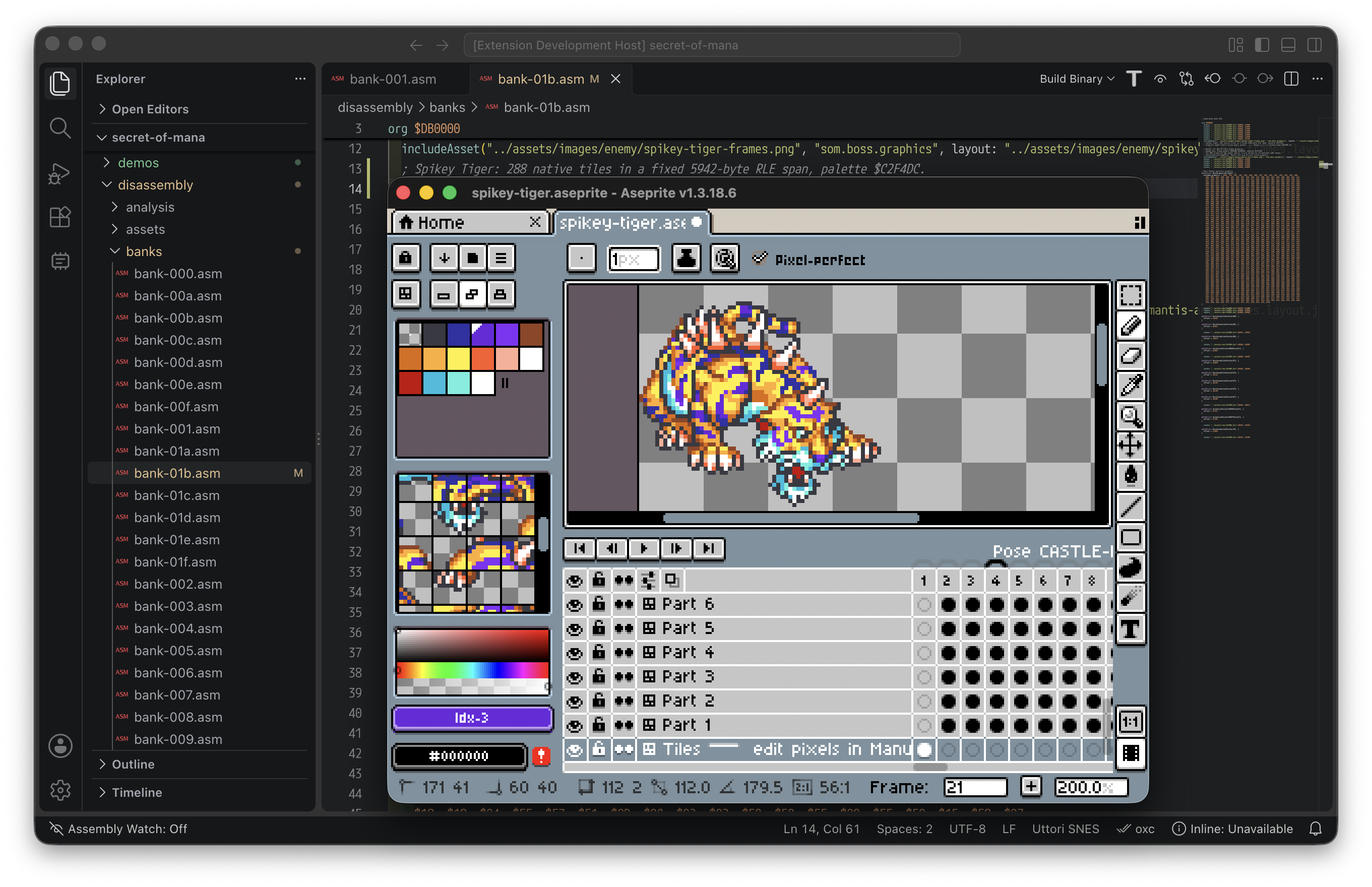
Review the code, read the project documentation, and track progress toward the first release.
View the repository OPEN SOURCE MIT LICENSED IN DEVELOPMENT