Assemble. Analyze. Disassemble. Verify.

Uttori ASM is an extendable assembler, disassembler, ROM toolkit, CLI and VS Code extension

Currently supports the 65816 (SPC700 & SuperFX) / SFC / SNES and NES / 6502-family CPUs.
Uttori ASM workspace in VS Code with assembly source and analysis views
SUPPORTED SYSTEMS & CPU FAMILIES
  • SNES
  • 65816
  • SPC700
  • Super FX
  • 6502 family
  • NES

Assembly, Analysis & Verification From source to ROM. And back again.

Build binaries, preserve analysis evidence, and verify regenerated source.

Build for multiple CPUs.

Build binaries and debug maps for SNES and 6502-family targets. Use the CLI or compiled JavaScript packages with TypeScript declarations.

Keep analysis in context.

Inspect decoded instructions and imported evidence. Store names and annotations in SQLite so they persist when source is regenerated.

Verify byte-identical rebuilds.

Export source from your analysis, rebuild it, and compare it with the original ROM. Unknown bytes remain raw assets.

VS Code Extension Assembly tools, Inside VS Code.

Write assembly with completions, diagnostics, hover information, and semantic highlighting. Build projects and inspect ROM analysis without leaving the editor.

  • Symbol navigation, rename, and build on save
  • Persistent annotations and RAM map views
  • Replay inspection and optional live debugging
Extension documentation

Live debugging needs a separately installed, matching ares runtime.
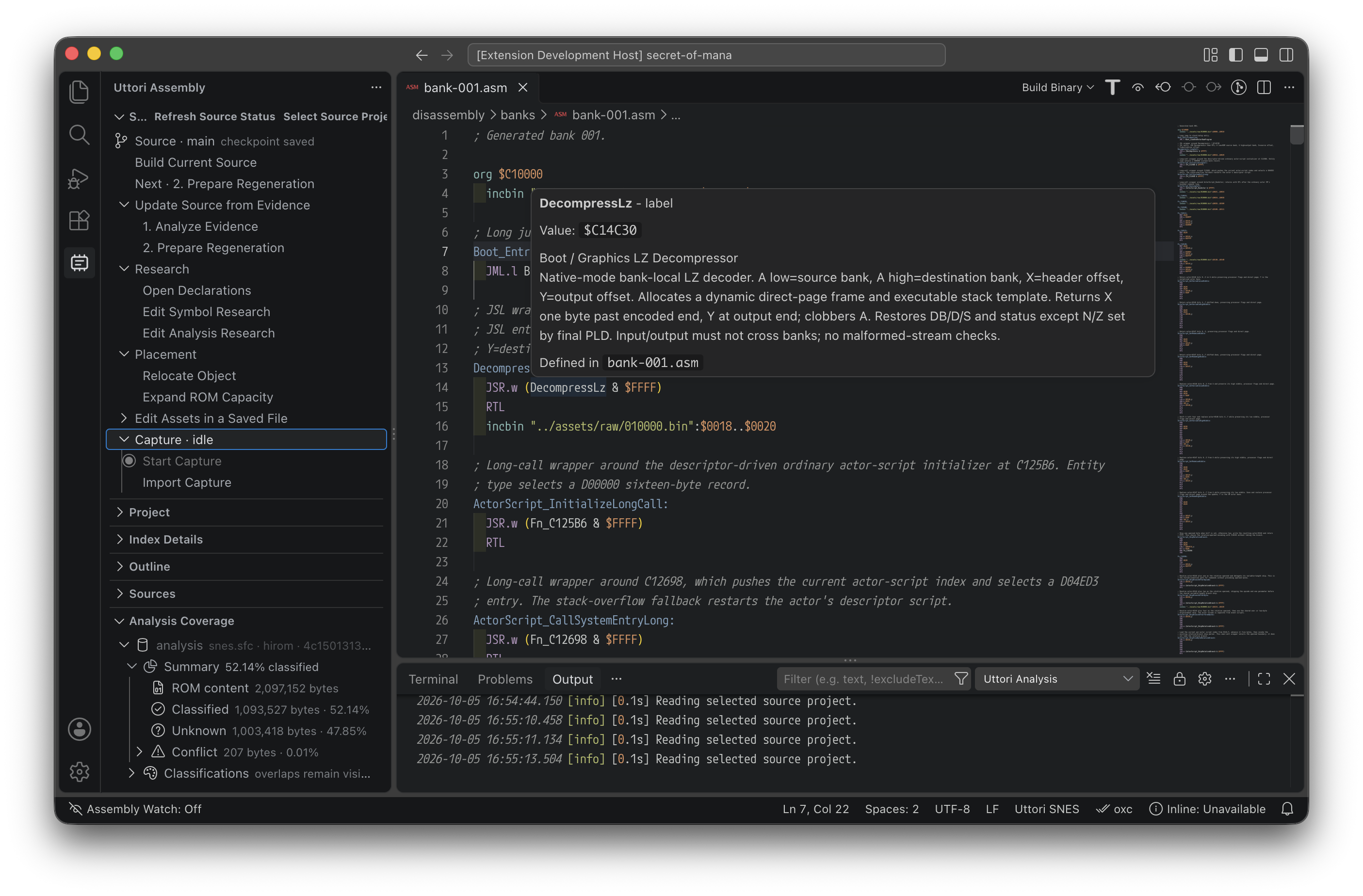
Editor symbol navigation and annotations showing the DecompressLz label, its address, and its definition

Choose your workflow.

Start with assembly you write or a ROM you want to understand.
Source to ROM

Builder workflow

  1. Choose a target and set your assembly entry point.
  2. Write code and include graphics or other assets alongside it.
  3. Build a ROM and debug map from VS Code or the CLI.
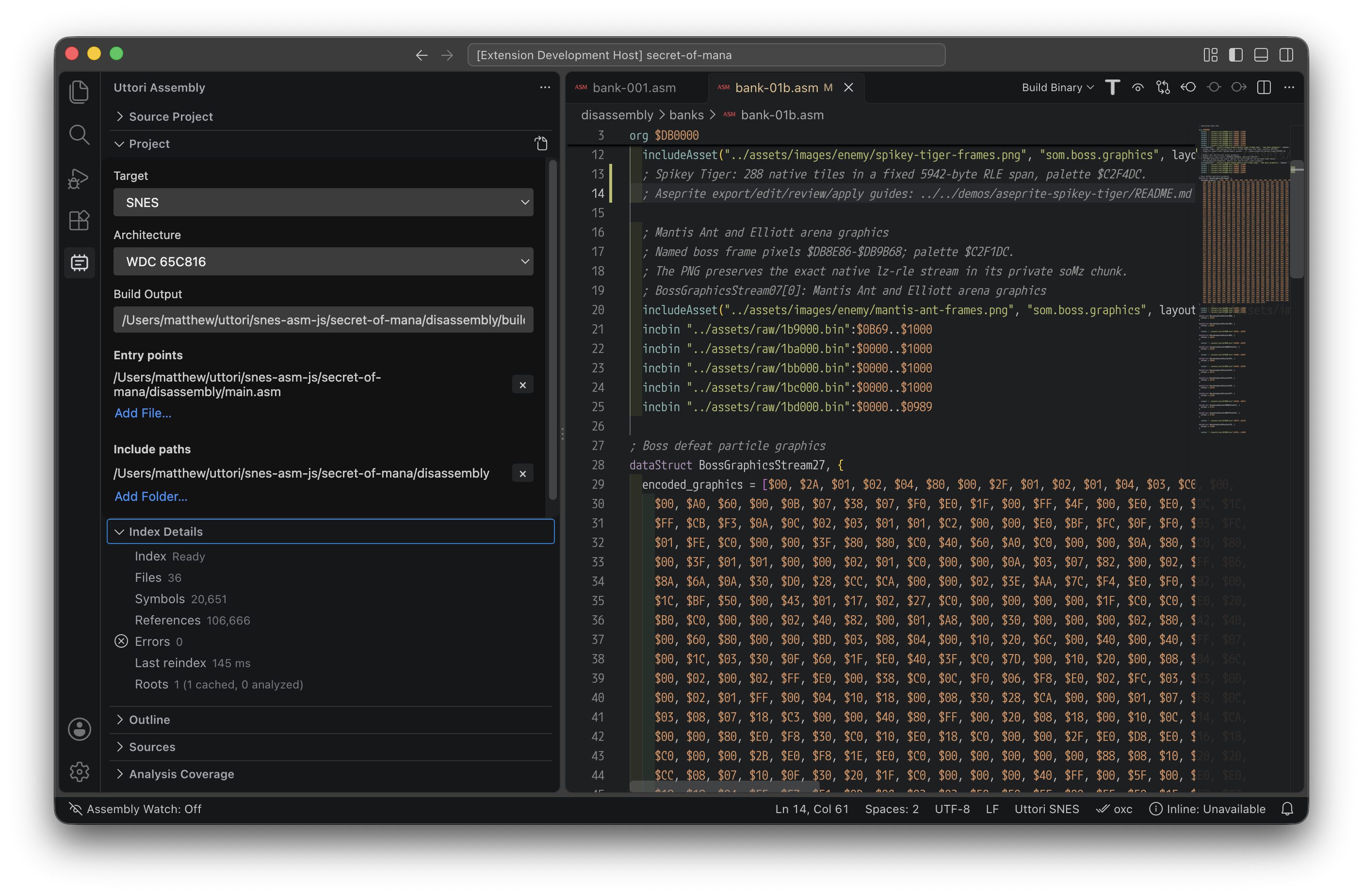
VS Code project settings for the SNES target, with the build output and main.asm entry point next to the assembly source
Configure the target, entry point, and output in the Project panel.
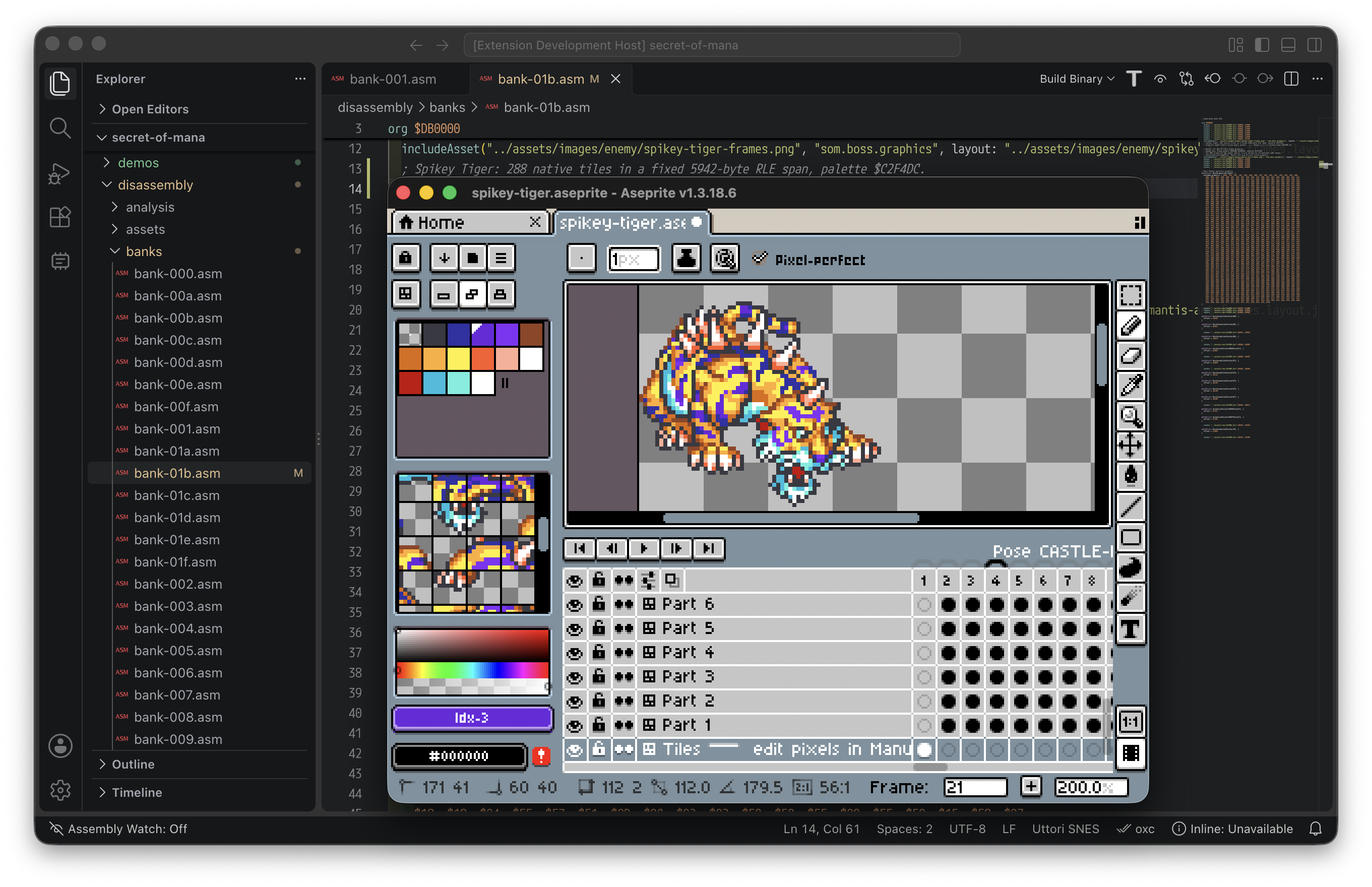
An animated sprite open in Aseprite alongside the VS Code assembly source that includes it
Edit sprite graphics in Aseprite and include them directly in assembly.

ROM to Source

Disassembler workflow

  1. Import a ROM and analyze code, data, and optional emulator captures.
  2. Name routines and annotate findings as you learn what the bytes do.
  3. Export editable source and verify that it rebuilds byte for byte.
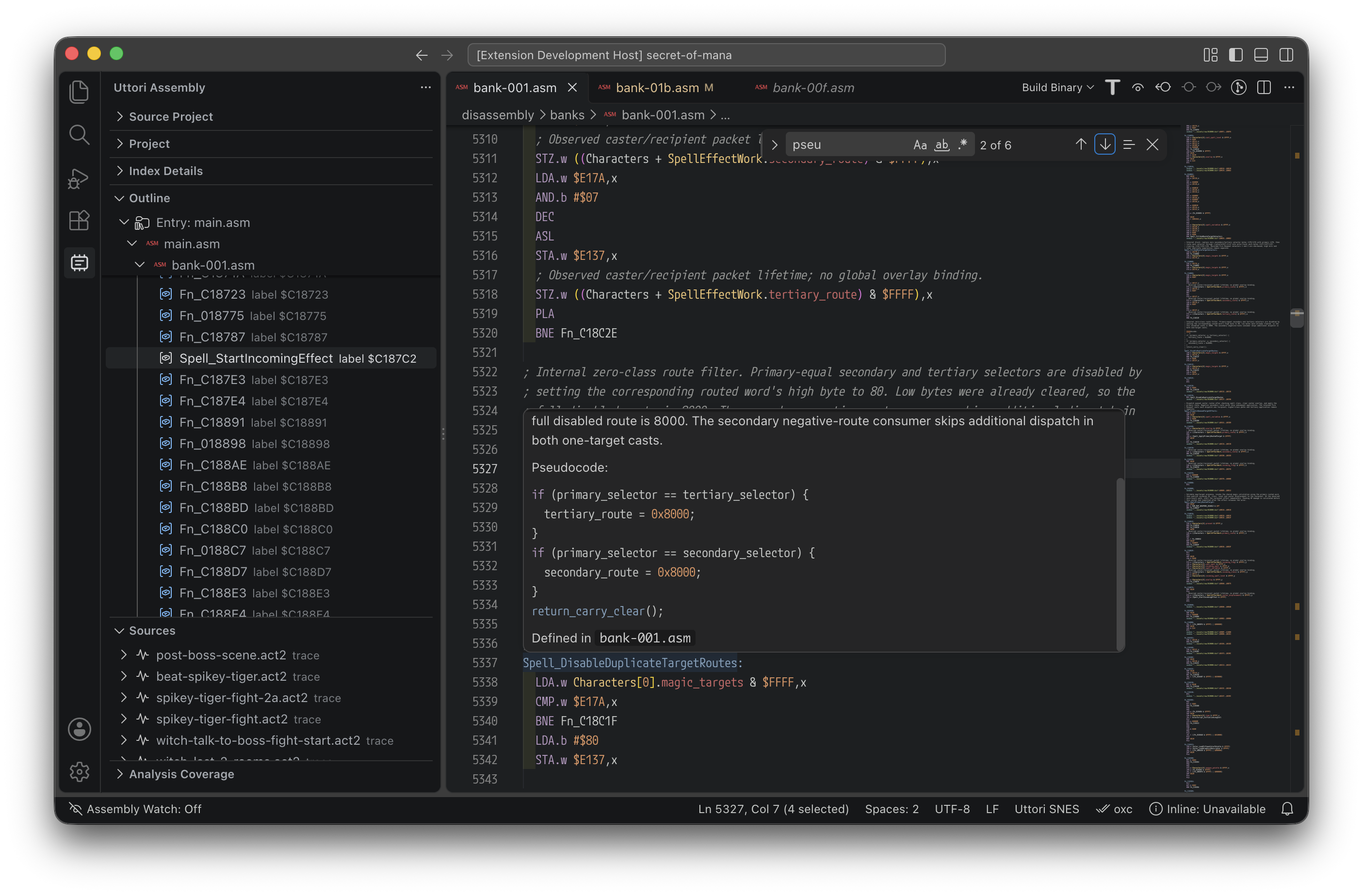
VS Code showing analysis coverage, the source regeneration steps, and a named routine in disassembled source
Inspect classified bytes and annotations as you prepare to regenerate source.
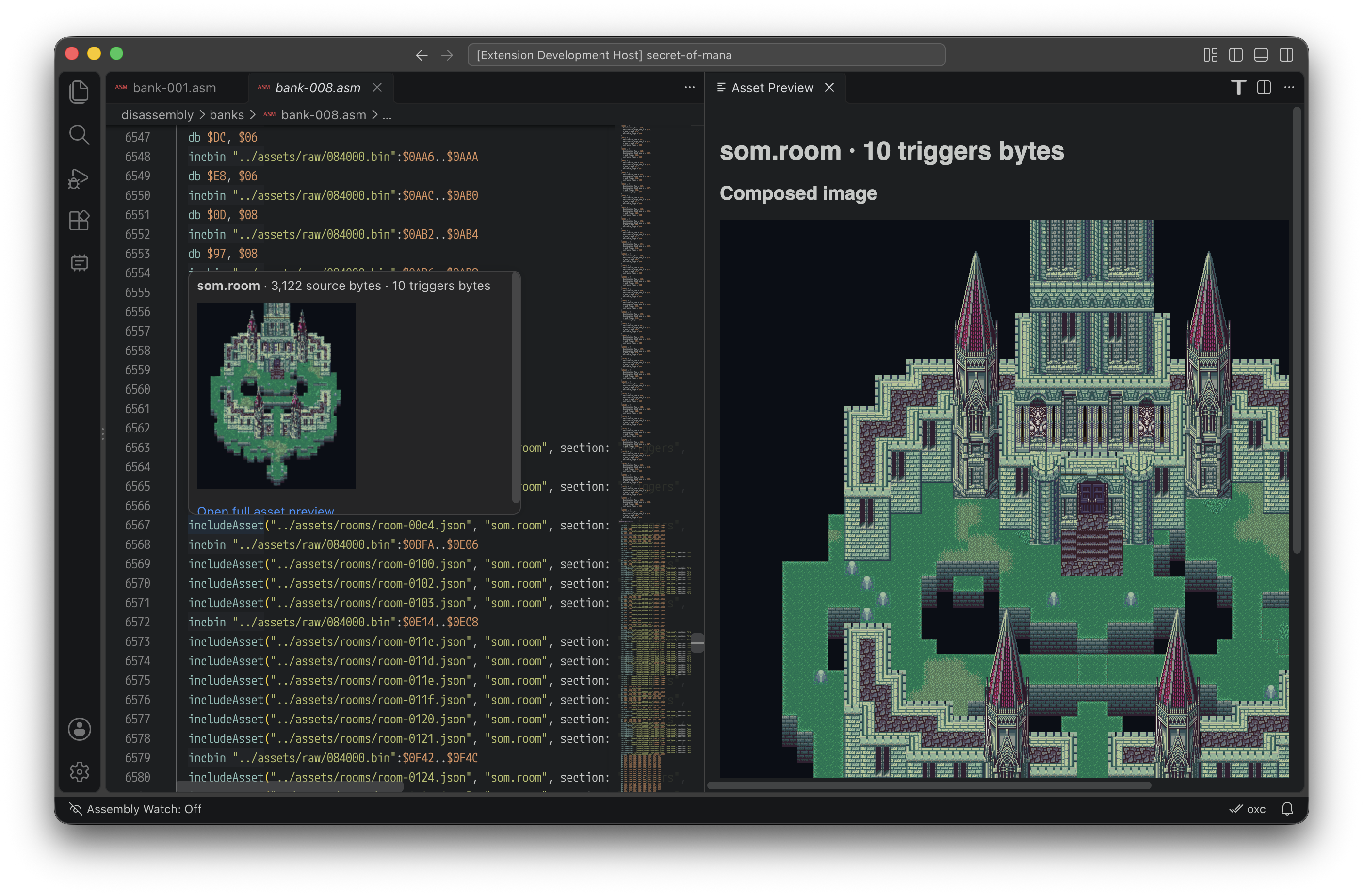
A decoded castle room preview next to its data in disassembled ROM source
Inspect decoded room graphics alongside their source data.

Start your project.

Install the tools for your workflow or explore the project on GitHub.